
Creating Custom Channel Thumbnails for Xtreme HD IPTV with Photoshop
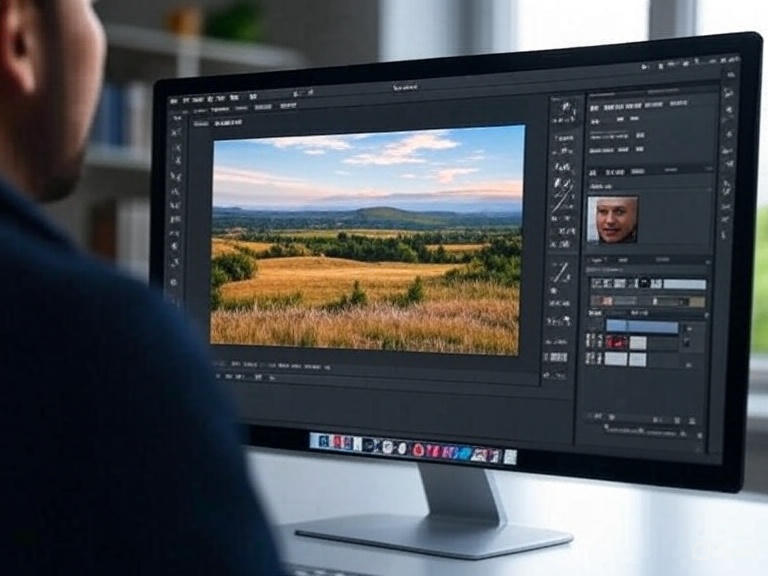
Custom thumbnails help make your IPTV experience more personalized and visually appealing. Whether you’re an IPTV reseller or a home user curating a playlist, well-designed thumbnails make browsing channels easier and more enjoyable. Instead of random logos or screenshots, having a consistent look for all your channels improves both the user interface and the brand feel.
Many IPTV users and resellers now design their own banners and channel previews to stand out. With a platform like xtremehd, viewers get access to a wide variety of content, and having clean, recognizable thumbnails can make a huge difference in how that content is experienced. It’s not just about looks, it’s about navigation, identity, and convenience too.
Why Custom Thumbnails Matter
A branded visual system helps channels look polished and trustworthy. When users flip through hundreds of channels, sharp thumbnails make your content pop. For resellers, this is also a chance to create a uniform brand image, which is helpful when marketing subscriptions or setting up personalized interfaces for clients.
Here are a few reasons to create custom thumbnails:
- Consistency: Give all your channels the same visual structure.
- Recognition: Easier for users to find channels quickly.
- Branding: Add your logo, watermark, or custom style.
- Professionalism: Helps you stand out from other IPTV providers.
Getting Started with Photoshop
Photoshop is a great tool for creating professional-looking thumbnails. Even if you’re not a designer, you can set up a reusable template that makes future edits fast and simple. Here’s how to get started:
Step 1: Set Up Your Canvas
Start with a canvas size of 1280×720 pixels. This resolution works well across most modern IPTV platforms and ensures a clean fit. Use a high-resolution setting (300 DPI) if you plan to use the thumbnails for other platforms like YouTube or marketing materials.
Step 2: Choose a Background Style
Keep the background simple and on-brand. Gradients, dark overlays, or blurred images work well. Avoid too much detail as it can distract from the channel logo or text.
Step 3: Add a Logo or Icon
Use clean PNG icons or logos for the channels. Try to place them in the same spot on each thumbnail for consistency. A bottom-right or center position usually works best depending on the design flow.
Step 4: Add Text Labels
Use bold, easy-to-read fonts. Stick with sans-serif options like Montserrat, Lato, or Open Sans. Limit text to essential words like channel names (e.g., “Sports Live” or “HBO HD”). Keep the font size large enough to be legible even on small screens.
Step 5: Save the Template
Step 5: Save the Template
Save your thumbnail layout as a Photoshop template (.psd). That way, you can replace the logo and text for each new channel while keeping the rest of the design the same. This helps you build a full set quickly without having to start from scratch each time.
For a deeper dive into using layers effectively within templates, check out our Mastering Layers in Photoshop Tutorials page.
 Tips for Better Thumbnail Design
 Tips for Better Thumbnail Design
Consistency doesn’t mean boring; find a balance. Here are a few tips to polish your work and keep your thumbnails looking sharp:
- Stick to 2–3 colors that reflect your brand or IPTV theme.
- Avoid overcrowding. Leave enough space around logos and text.
- Test on devices. Preview how your design looks on mobile and smart TVs.
- Use icons. Simple visual icons can help identify content type (sports, news, kids, etc.).
Why This Matters for Resellers
If you’re reselling IPTV subscriptions, presentation is part of your service. Just like a restaurant menu influences how much people order, good thumbnails improve how your service is perceived. It shows attention to detail, and it makes your offer stand out among generic competitors.
Brand identity builds loyalty and trust. Even if your customers don’t say it out loud, they’ll notice the effort when the channels look tidy and customized. It also gives you another way to market premium packages or niche content by designing special banners or promo thumbnails.
Final Thoughts
Taking the time to design your own IPTV thumbnails may seem small, but it creates a big impact. With Photoshop, it’s easy to build something that’s not only good-looking but practical. Whether you’re serving five clients or fifty, thumbnails make navigation smoother and your service more enjoyable to use.
Start small—maybe just a set of 10 channels—then build from there. With a strong template and a little creative flair, your IPTV playlist will look better, feel more organized, and bring more value to your audience.