




Photoshop Hints and Tricks for Novices

Did you know that Photoshop has been a part of our lives for 26 years? Even if you’ve never used it, you can’t deny the impact that photo editing software has had on our lives.
Change the size of an image
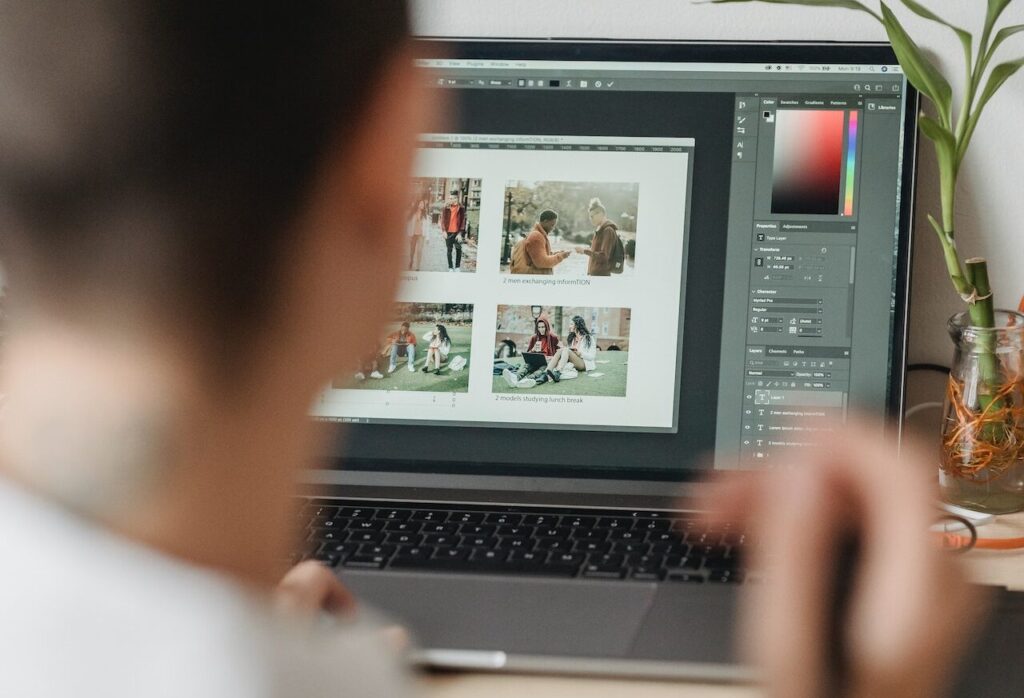
When you press Ctrl+T on your keyboard, a bounding box appears around the image, indicating transformation. This implies that you can now resize your image. The best way is to place the cursor on one of the box’s rectangle corners and then drag the corner while holding down the Shift key. When you’re finished, simply press Enter to exit.
Change the measurement unit
To quickly switch between units of measurement, place your cursor on one of the rulers on your grid (press Ctrl + R to show or hide the rulers), right click, and then select a new unit from the context menu. There [….]